How to search by company
Watch the walkthrough, then search Workforce Directory for a specific company and open its full provider profile.
Ready to start?
Go to vendor search, switch to company search, enter the company name, and open the matching profile from the results.
Search by company
Step-by-step guide
Show me steps
Use this written walkthrough to find a company, select it from the results, and review its full Workforce Directory profile.
Step-by-step guide
Show me steps
Use this written walkthrough to find a company, select it from the results, and review its full Workforce Directory profile.
-
Step 1 Search by company on Workforce Directory
This guide shows how to search for a company and review detailed provider information.

-
Step 2 Review the company search process
You will locate a specific company and access its full profile for more comprehensive information.
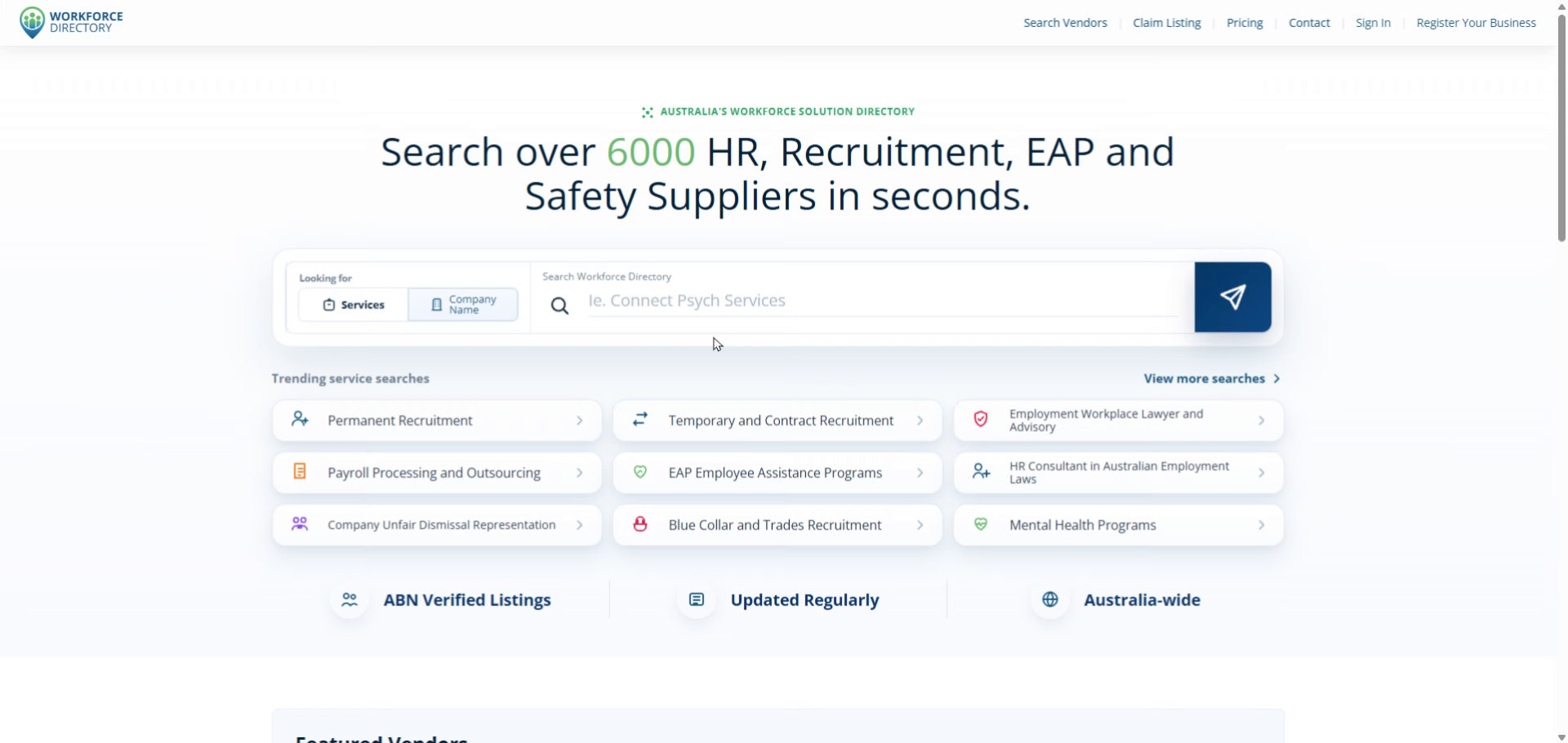
-
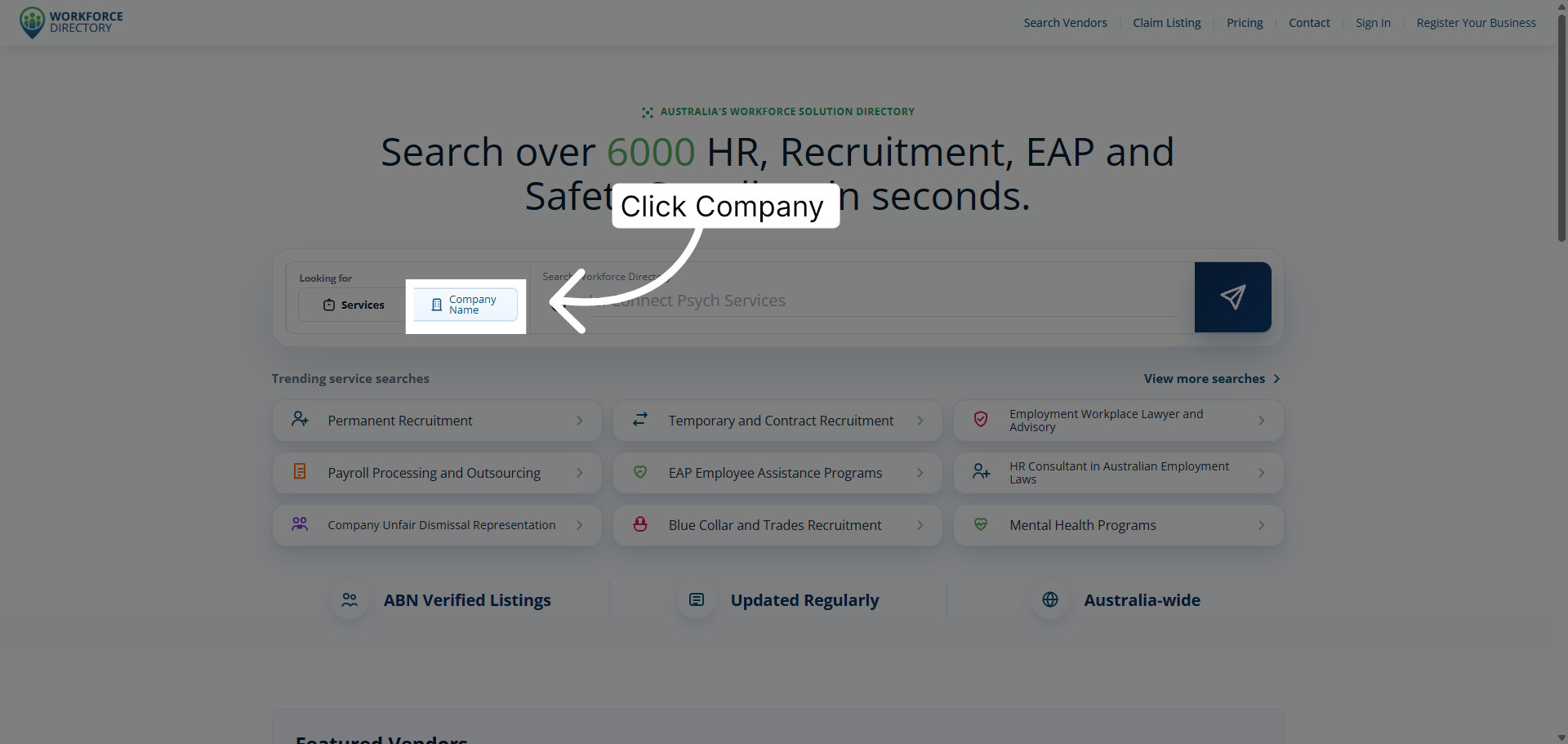
Step 3 Open the company section
Click Company to open the company search option within Workforce Directory.
-
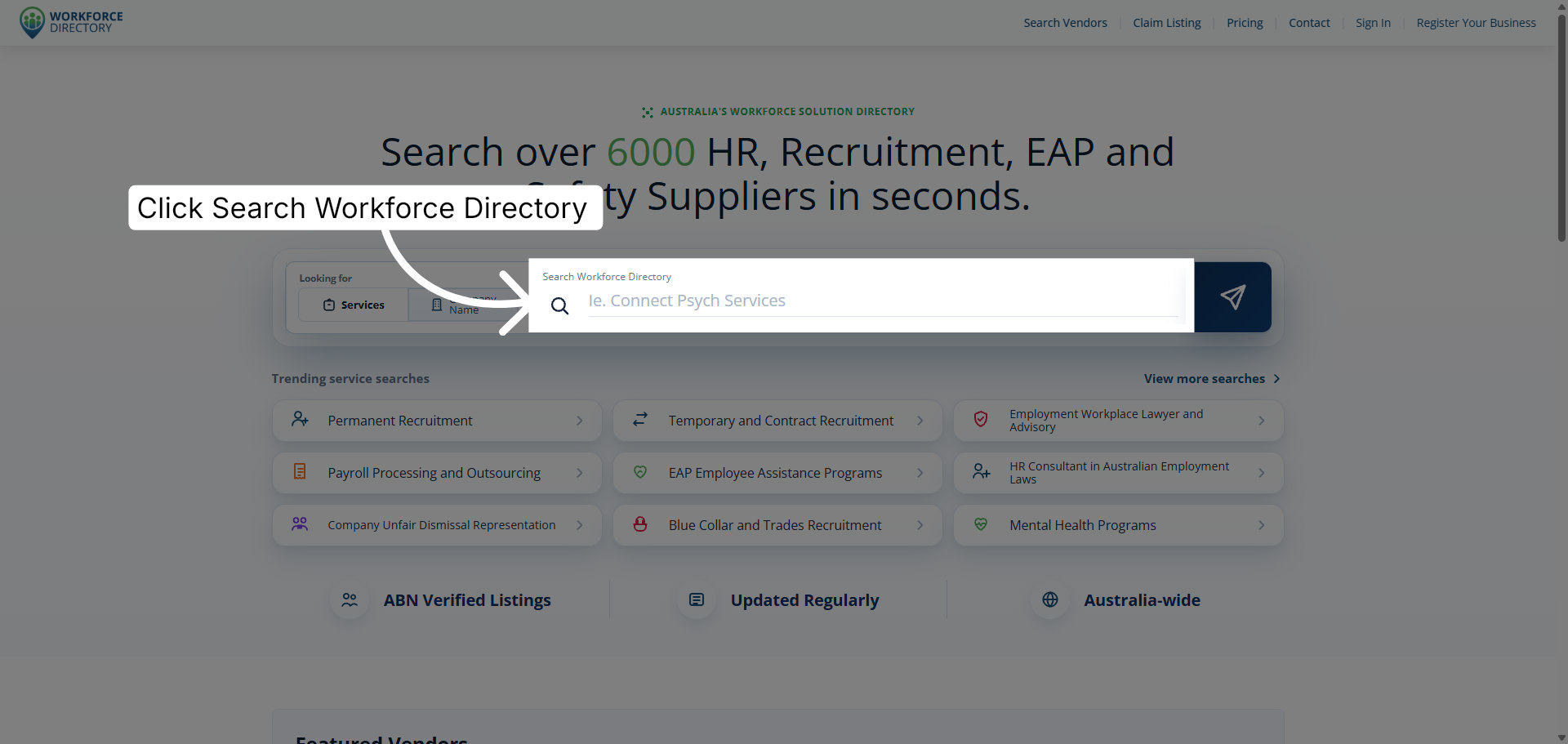
Step 4 Open Workforce Directory search
Click Search Workforce Directory to begin searching for providers and services.
-
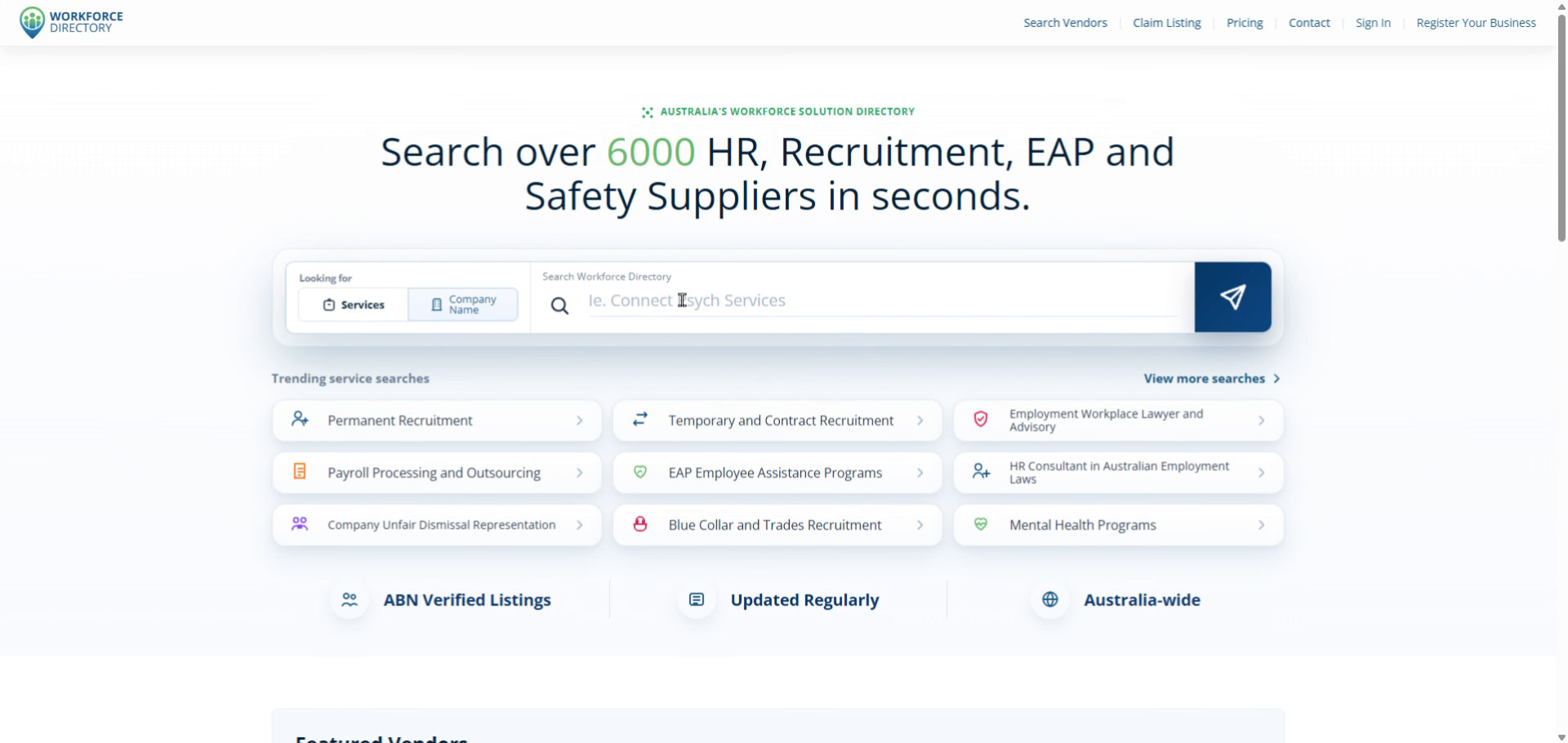
Step 5 Enter the company name
Type the company name you want to find in the directory.
-
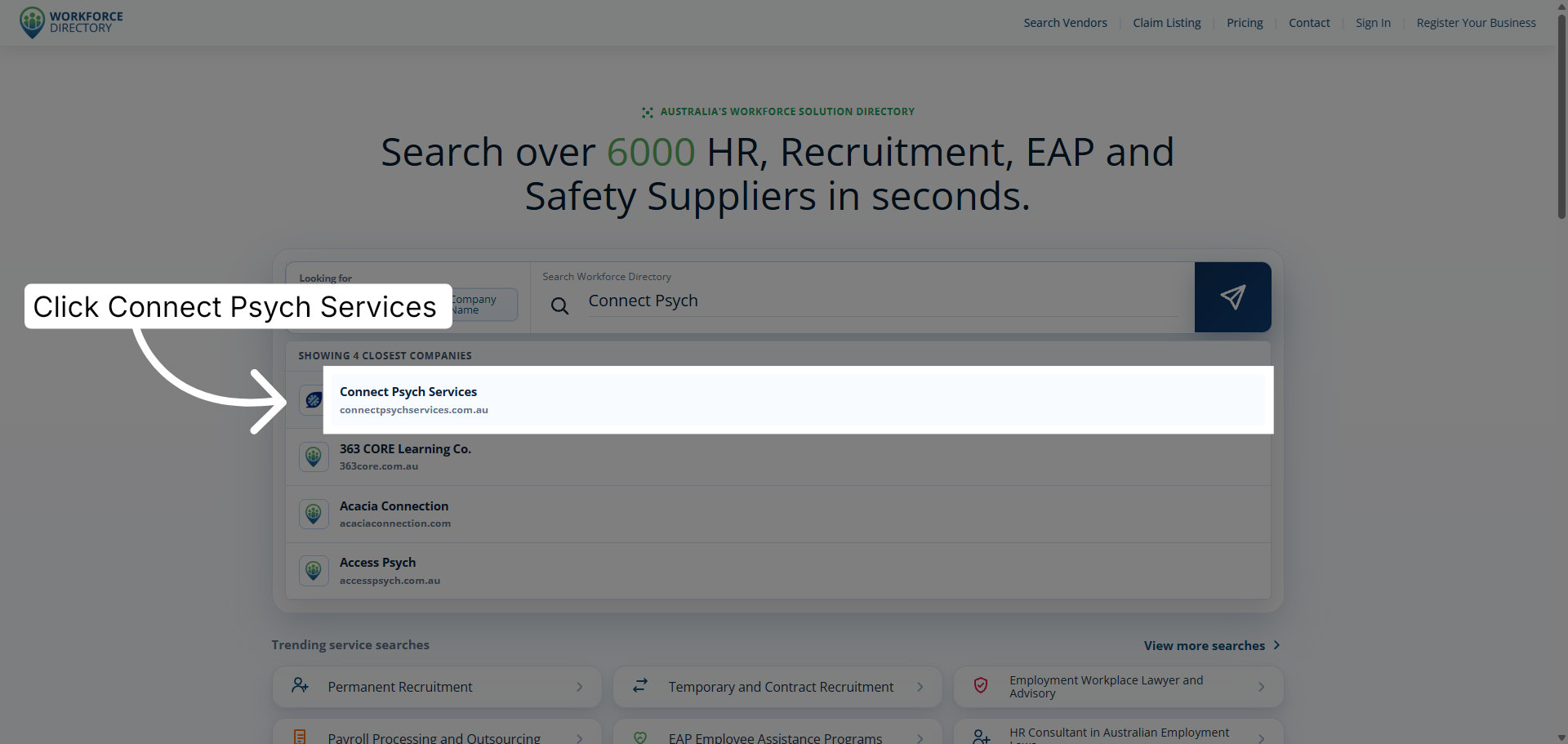
Step 6 Select the company from results
Click the matching company result to view that company listing.
-
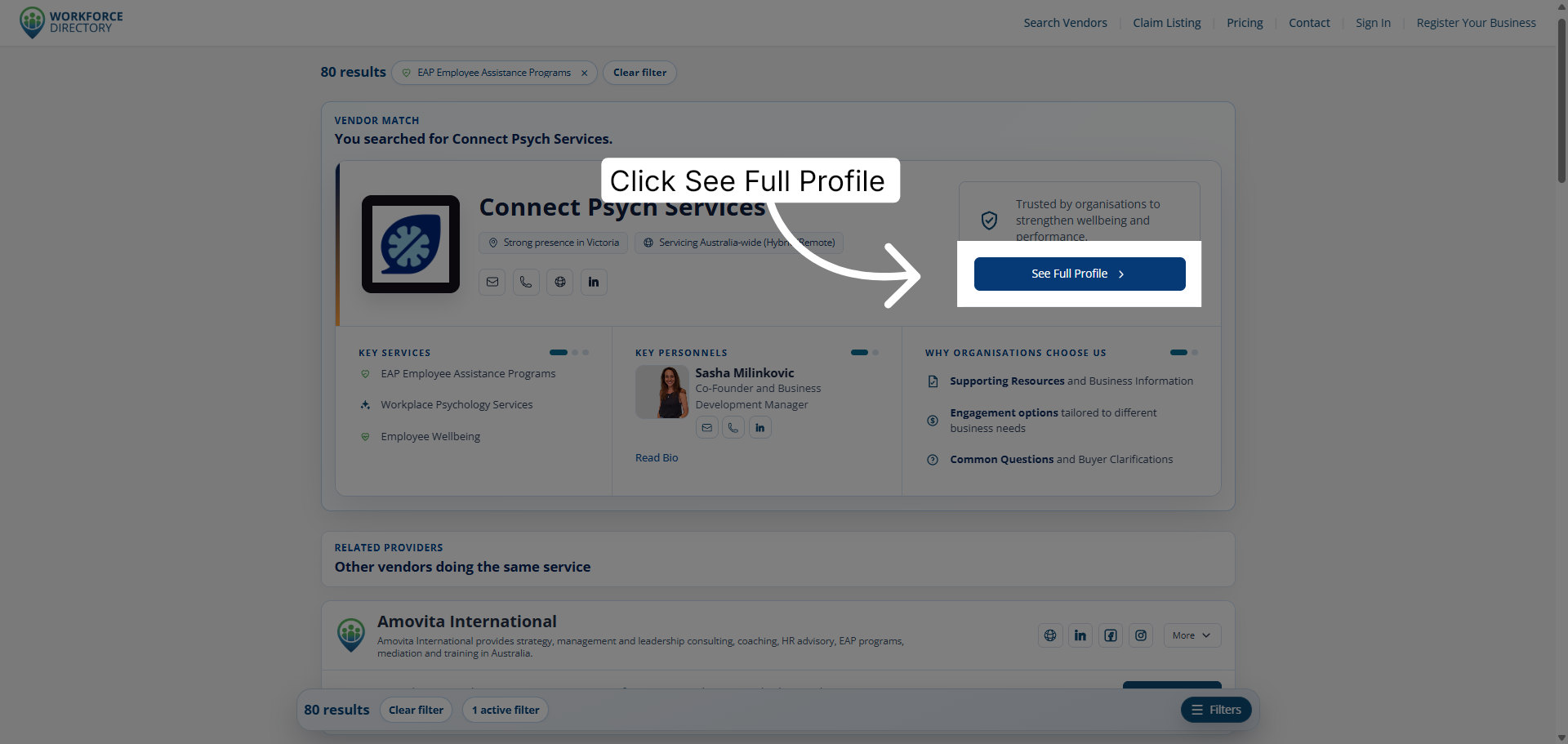
Step 7 Open the full company profile
Click See Full Profile to access detailed information about the selected company.
-
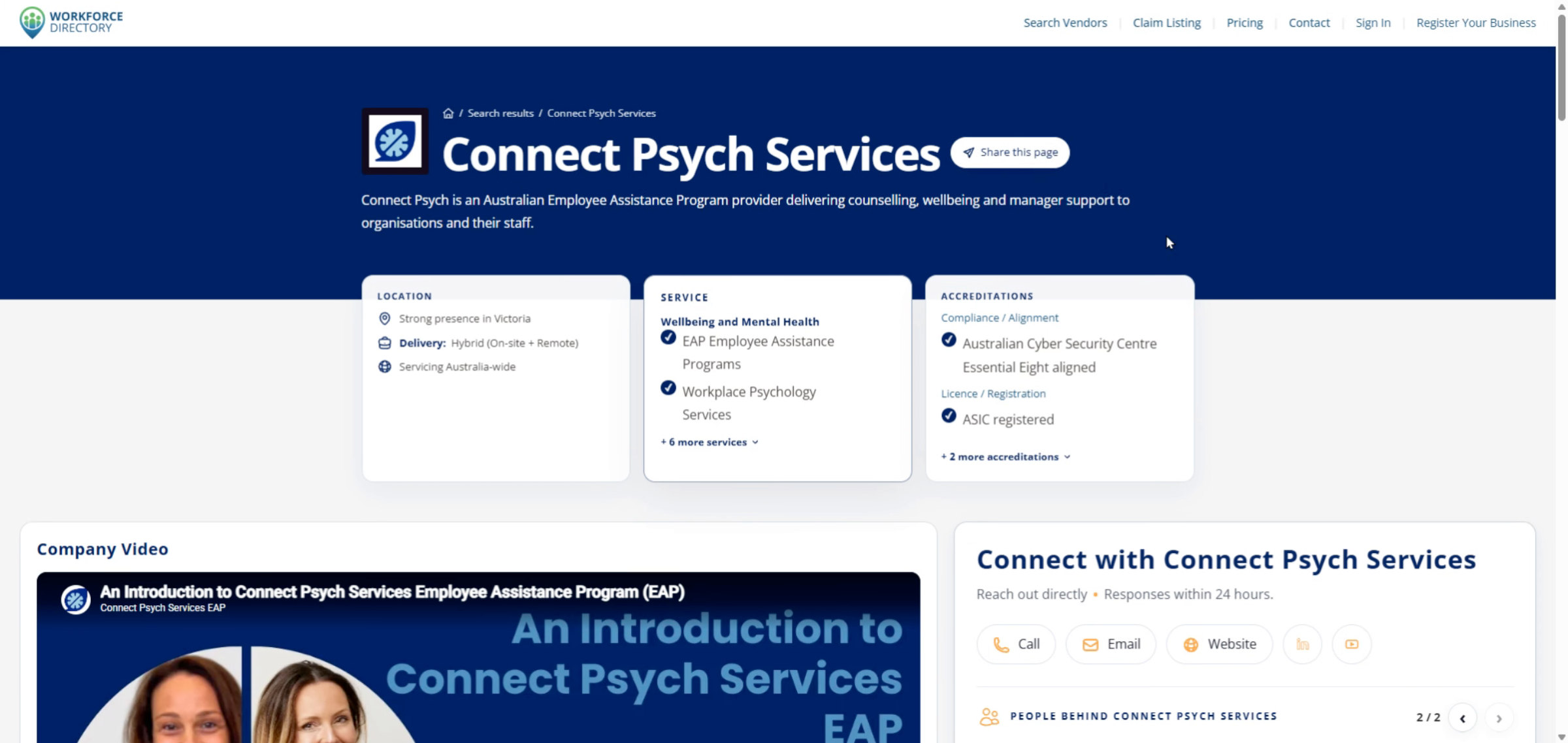
Step 8 Review the company profile
Use the company profile page to explore more detailed information about the provider.