How to register your business
Watch the walkthrough, then create your Workforce Directory business account with your email, password, and verification code.
Ready to start?
Go to the registration page, enter your business email, create your password, and verify your email address to open your account.
Register your business
Step-by-step guide
Show me steps
Use this written walkthrough to register your business account, subscribe to updates if you choose, and verify your email address.
Step-by-step guide
Show me steps
Use this written walkthrough to register your business account, subscribe to updates if you choose, and verify your email address.
-
Step 1 Register your business using Workforce Directory
This guide walks you through creating a business account on Workforce Directory Australia.

-
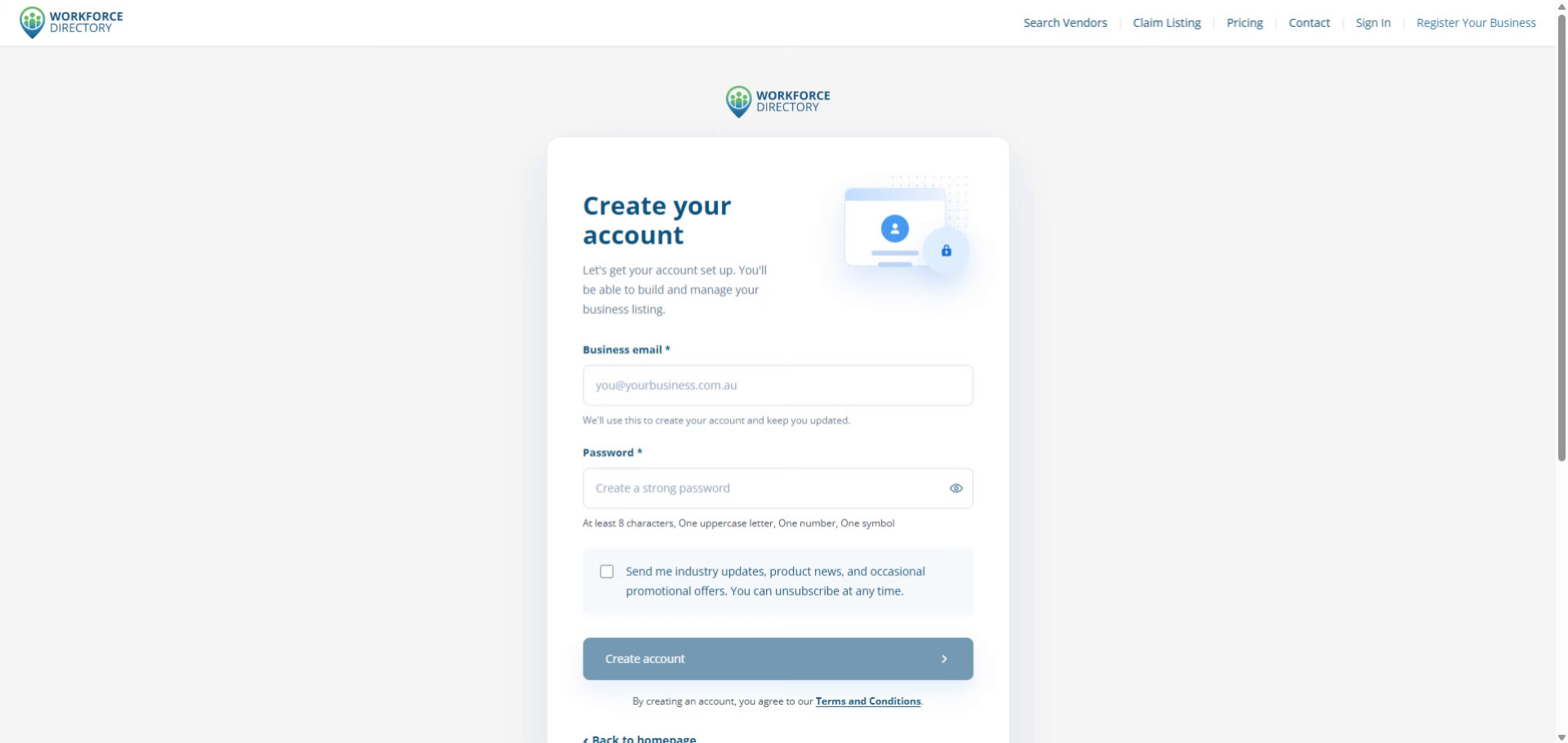
Step 2 Review the registration process
You will provide your business email, create a secure password, and verify your email address to complete registration.
-
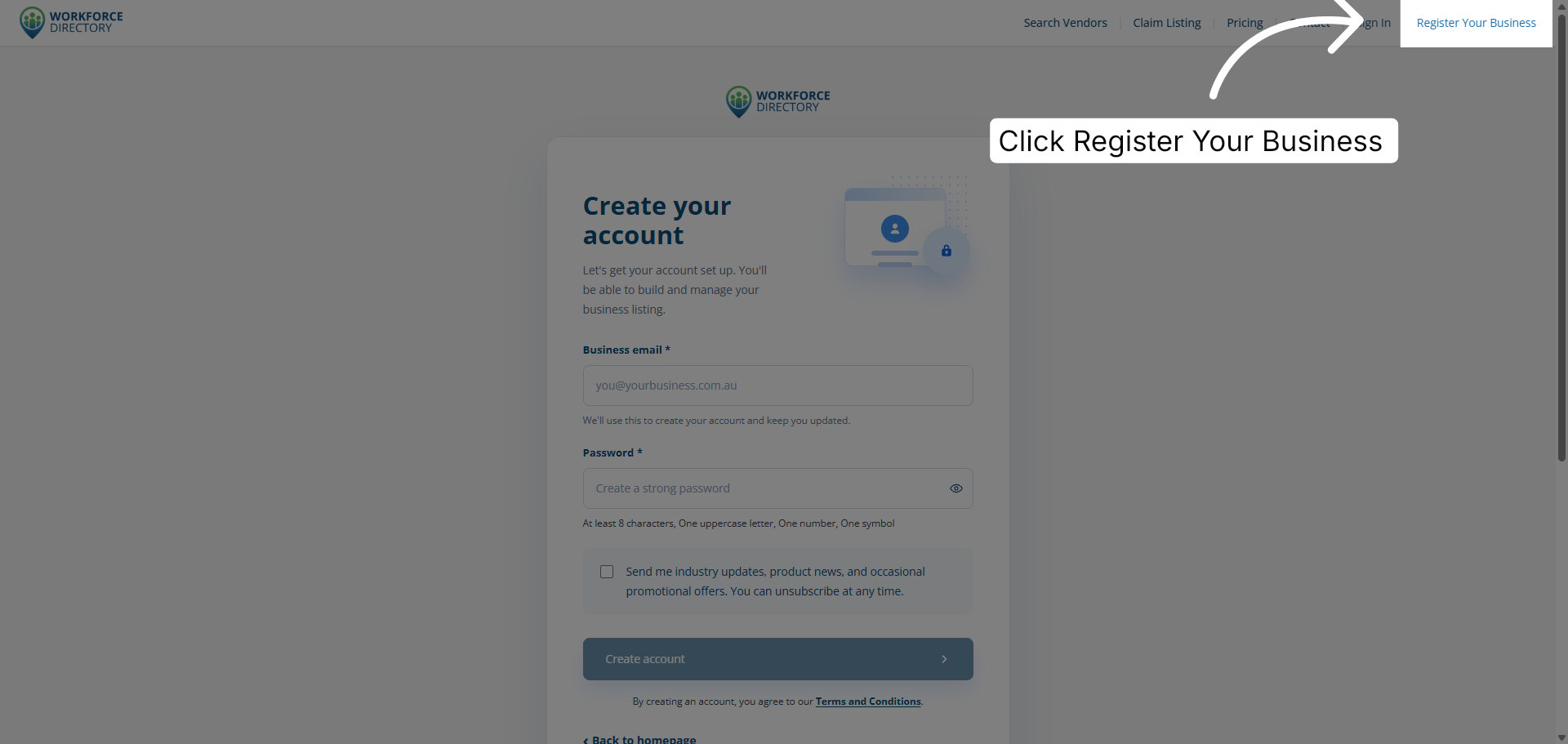
Step 3 Open the business registration page
Click Register Your Business to begin the registration process.
-
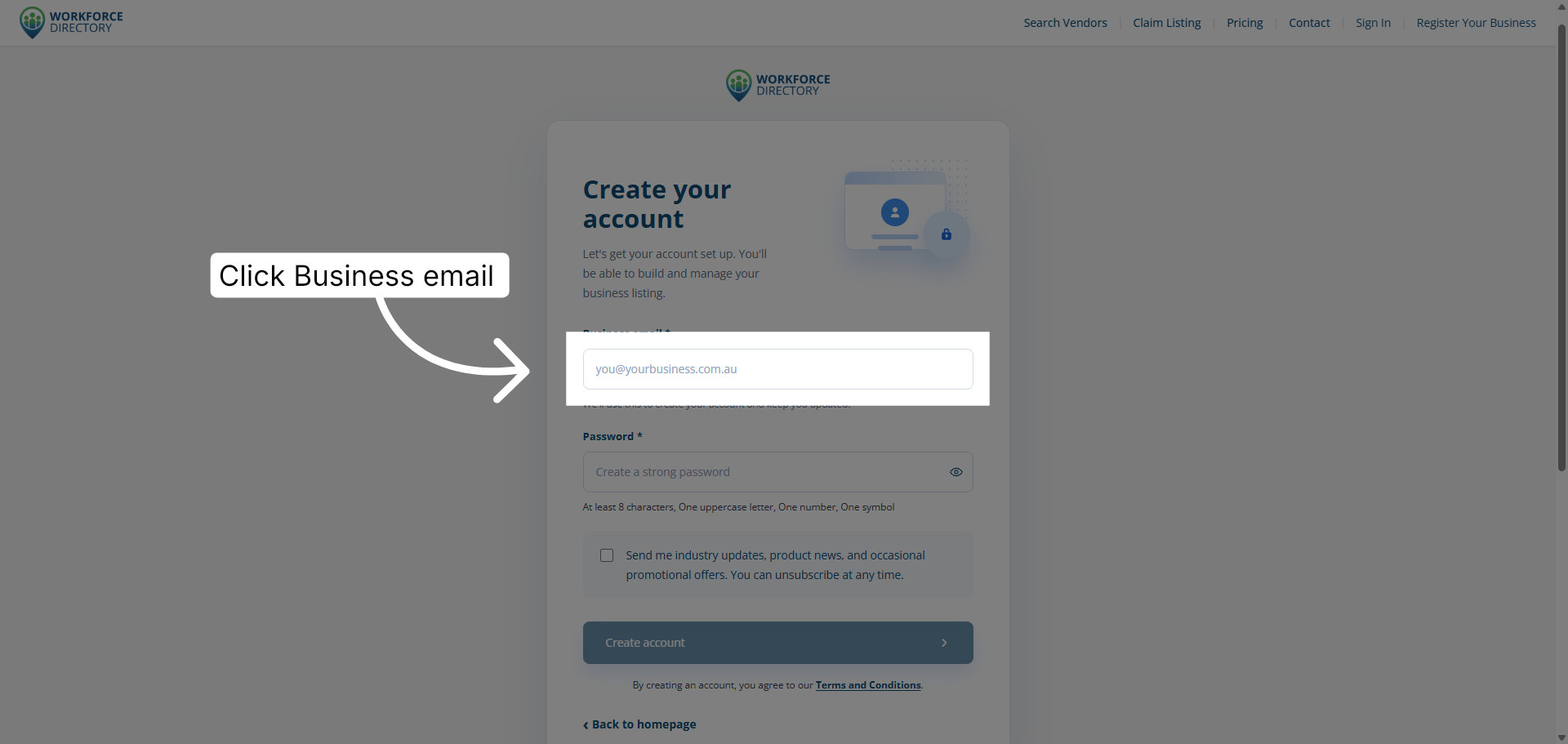
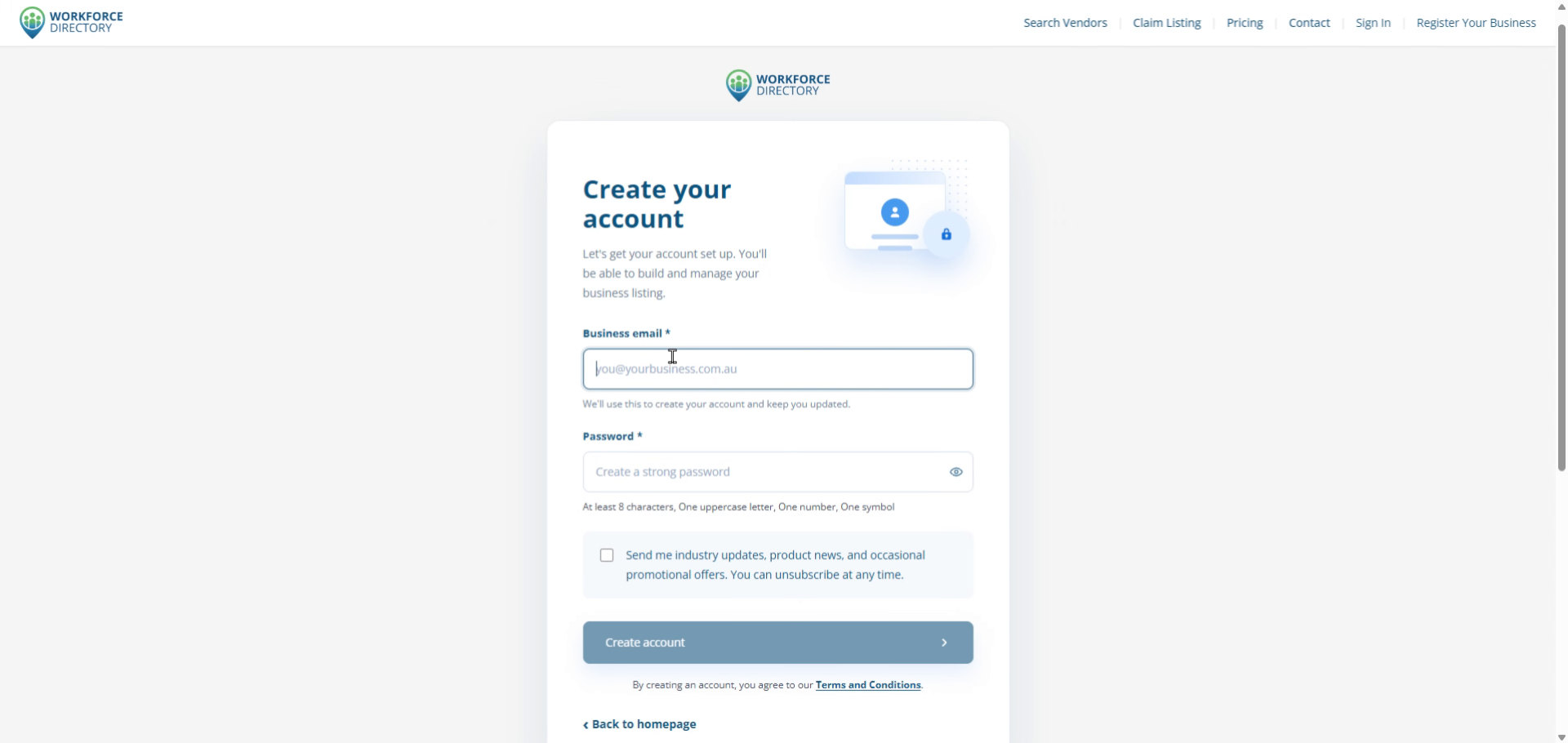
Step 4 Select the business email field
Click the Business email field so you can enter the email address for your business account.
-
Step 5 Enter your business email address
Fill in the business email address you want to use for Workforce Directory.
-
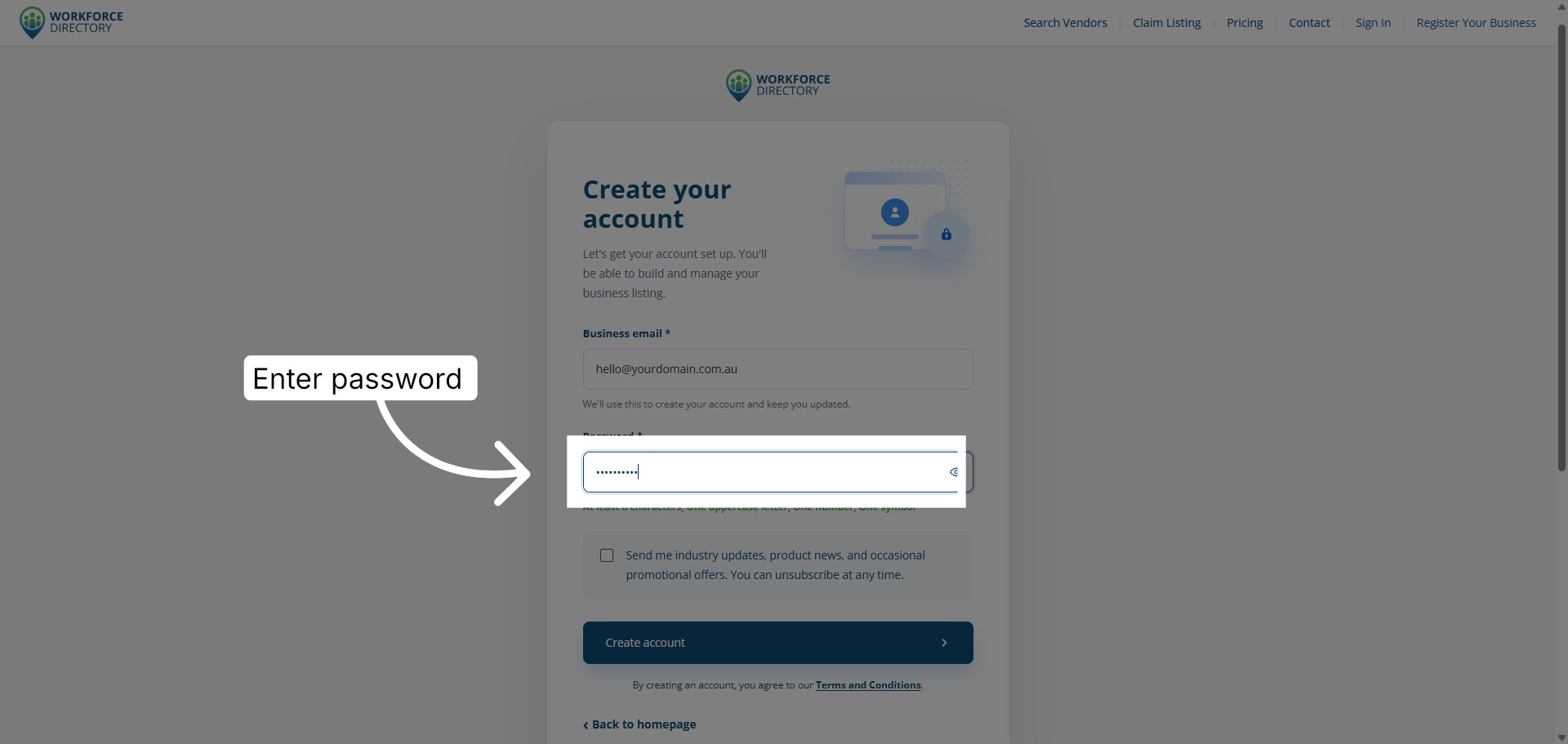
Step 6 Create a secure password
Enter a strong password to protect your account and future listing access.
-
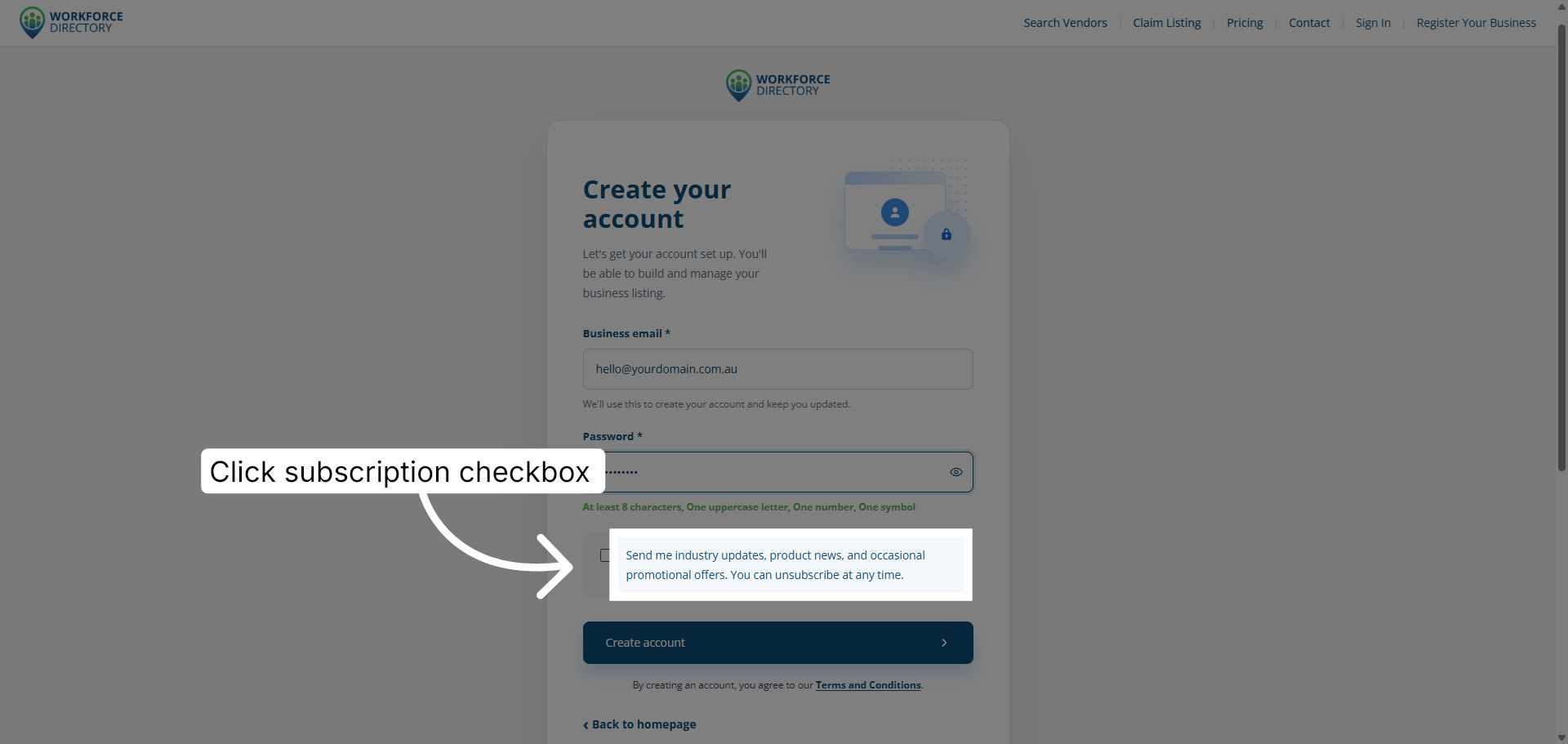
Step 7 Choose whether to subscribe to updates
Tick the updates checkbox if you want to receive industry updates, product news, and occasional offers, then click Create account.
-
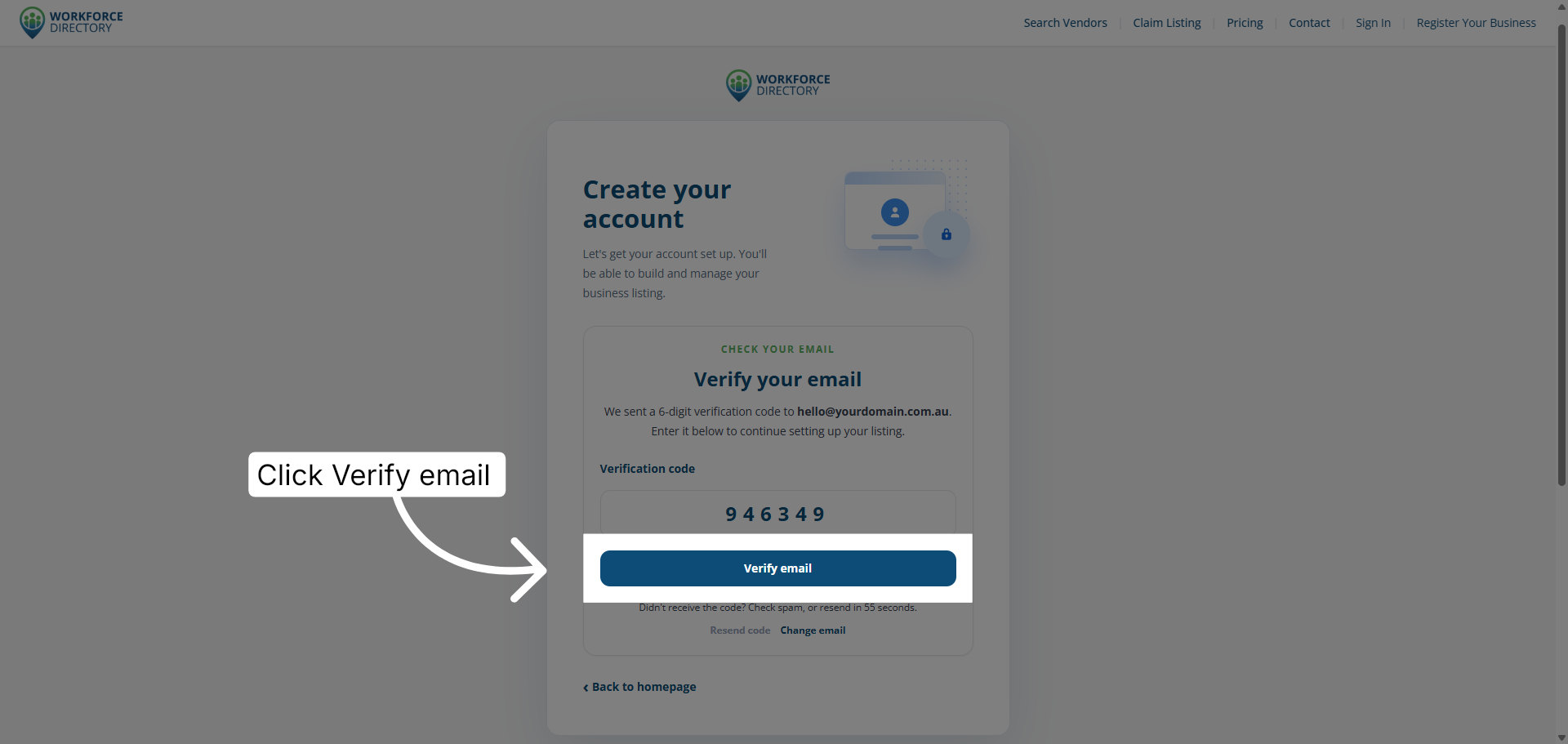
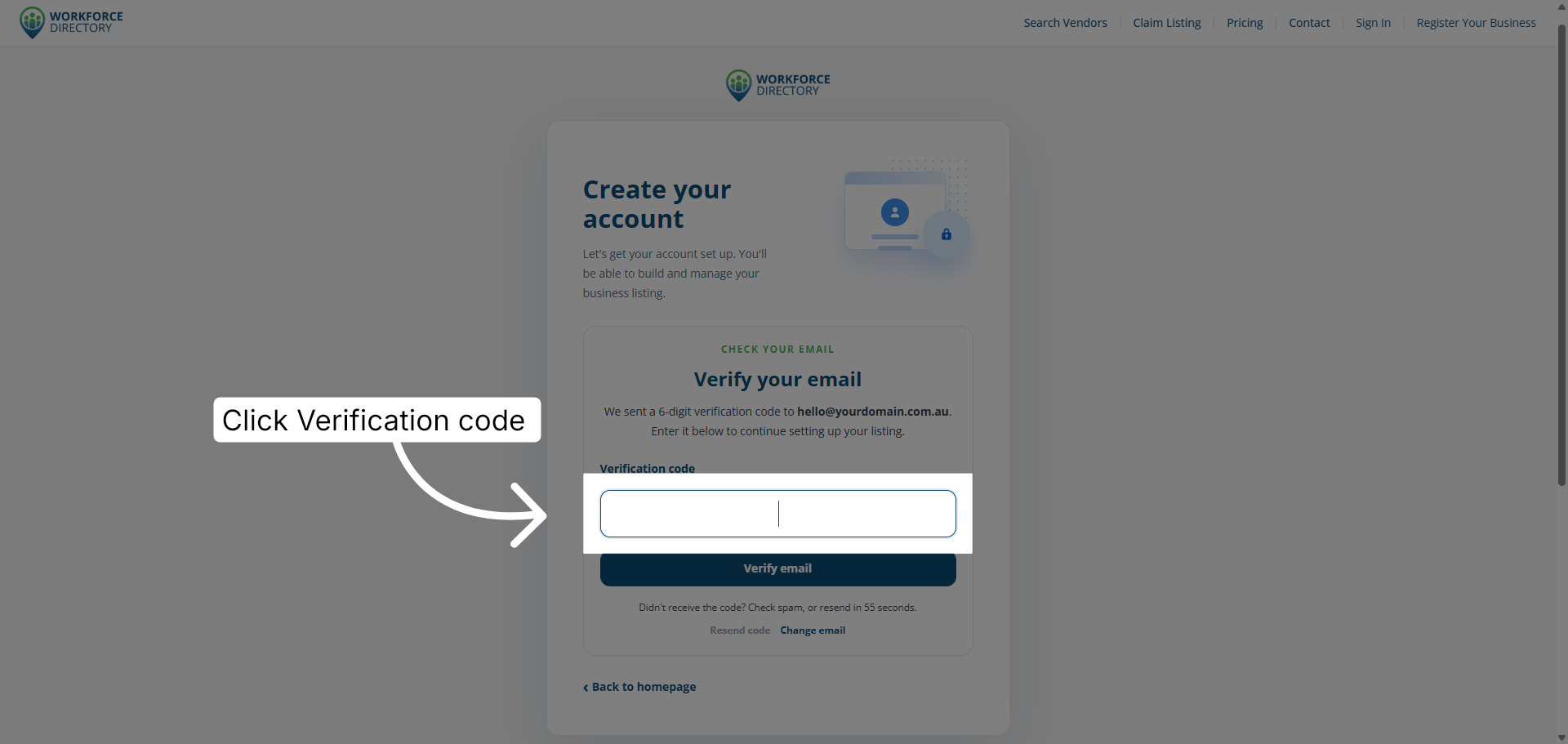
Step 8 Open the verification code field
Check your nominated email address for the verification code, then click the Verification code field.
-
Step 9 Verify your email address
Enter the verification code and click Verify email to confirm your email address.